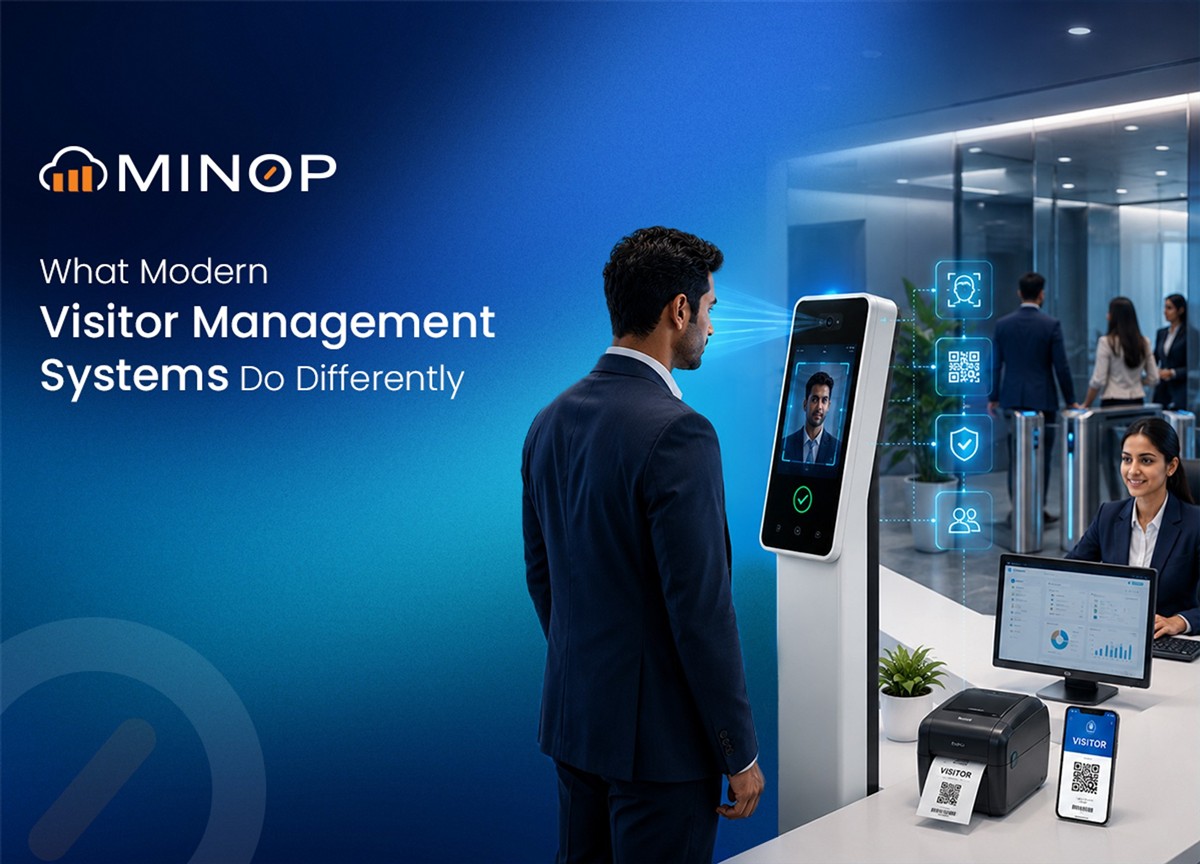
Have you ever walked into a big office building for a meeting? If you think back to a few years ago, you probably remember the drill. You walk up to a front desk, smile at the security guard, and they slide a big, worn-out notebook across the counter. You grab a pen that is barely hanging on by a piece of string, scribble down your name, the time, and who you are there to see.
Then, you take a seat and wait.
For a long time, that was exactly how almost every business in the world kept track of their guests. But let's be honest for a second. Did anyone ever actually read that notebook?
Today, keeping a workplace safe is a lot harder than it used to be. A simple notebook just does not cut it anymore. That is exactly why modern setups like the Visitor Management System were created. They completely change the way a business welcomes people at the front door.
How Does a Visitor Management System Work?
A modern Visitor Management System (let's just call it a VMS for short) takes that old paper notebook, throws it in the trash, and replaces it with smart screens, apps, and digital tracking. It is a complete software tool designed for business owners and security teams to register guests and keep track of everything they do, from the exact second they walk in, to the second they leave.
Here is how modern systems are completely changing the game.
1. Real-Time Guest Monitoring
In the past, once a guest walked past the reception desk, they were basically invisible. The front desk had no idea if they actually went to their meeting or if they were wandering the halls.
With a modern VMS, the security team gets a Real-Time Dashboard. This is a live screen that shows exactly what is happening in the building right now.
It shows who is currently inside.
It shows where they checked in.
It even sends out overstay alerts. If a guest was supposed to leave at 3:00 PM and it is now 4:00 PM, the screen flashes an alert so security can go check on them.
2. A Warmer, Faster Welcome
Nobody likes standing in a long line at a front desk just to say they have arrived. Modern systems are built with the latest web tools to make the whole welcome process smooth and easy. Instead of waiting for a busy receptionist, guests can often use Self-service kiosks. These are touch screens (like a giant tablet) where a guest can quickly type in their own information, snap a quick photo, and sign in. It speeds up the line and makes the company look really professional and high-tech right from the start.
3. Doors That Talk to the Computers
One of the best things a modern VMS does is connect directly to the building's door locks. (In the tech world, they call this an Access Control System). Because the visitor system and the door locks talk to each other, you get a much higher level of safety. You can give a guest a temporary digital key, and the system will only let those key open specific doors.
A Clear View of Visitor Activity
A Visitor Management System brings visitor activity, scheduled visits and records into one interface. Instead of checking separate registers or individual visit requests, administrators can review current activity, upcoming visits and historical records from the VMS dashboard.
VMS Dashboard
The dashboard provides an overview of visitor movement and visit status as soon as the user accesses the system. Key figures can include:
Total Visitors
Upcoming Visitors
Visited Visitors
Rejected Visitors
A Visits Graph presents visitor activity over a selected period, with months displayed on the X-axis and the corresponding number of visitors on the Y-axis. This allows administrators to review how visitor volume changes from month to month.
A separate Visitor Type Graph categorises visits according to the visitor types configured in the system. These may include:
Auditor
Guest
Candidate
Vendor
Supplier
Canteen Vendor
Other visitor categories
The dashboard can also display visitor information by floor, location and branch, allowing administrators to review activity across different premises or areas from the same interface.
Visitor Monitoring and Reports
The VMS records visitor activity as visits are created, approved and completed. This information can be accessed through the Visitor Monitor and downloaded or reviewed through reports.
Visitor Log Report
The Visitor Log Report provides a record of individual visits. Each entry can include the visitor's details, host, location and check-in information, allowing administrators to review who visited, whom they were scheduled to meet and where the visit took place.
Host Activity Report
The Host Activity Report groups visit requests by host and shows their progress through the approval process. Administrators can review requests that are pending, approved, rejected or completed and identify the host associated with each request.
Scheduled Visits
Upcoming visits appear in the Scheduled section with the information required to review the visit before the visitor arrives. The listing can include:
Visitor or candidate name
Purpose of the visit
Scheduled time
Number of visitors
Location
Selecting a scheduled visit opens the Scheduled Visit Details, where authorised users can review the visit date and time, number of visitors, assigned location, supporting documents and the stated purpose of the visit. The visit can then be approved or rejected directly from the scheduled visit record.
Adding a Visitor
When creating a new visitor entry, the system collects the information required for the visit and associates it with the relevant employee and location.
The visitor registration form can include:
Visitor information
Host employee
Purpose of the visit
Visitor pass details
Where biometric verification is required, administrators can select the appropriate biometric device and assign it to the visitor registration process. The system can display the selected device name, allowing users to identify the device being used for the visit.
By keeping visitor registration, scheduling, approval, monitoring and reporting within the same system, the VMS maintains a consistent record of each visit from the initial request through to its completion.
The Bottom Line
When you put all of this together, it is easy to see why companies are rushing to upgrade their front desks. A modern Visitor Management System does all the heavy lifting. It takes the stress away from the front desk workers. It makes guests feel like they are walking into a highly professional, modern business. It allows hosts to know the second their meetings arrive. And most importantly, it gives security teams the digital tools they need to actually keep everyone safe.
FAQs
Think of it as a smart, digital replacement for the old paper logbook at the front desk. Instead of having guests write their names on a piece of paper, a VMS uses touch screens, software, and smart cards to keep track of who is in the building, where they are allowed to go, and when they leave.
Modern systems make checking in super fast. Guests can use self-service touch screens (like an iPad) to type in their own info. Even better, you can email them an "E-pass" with a QR code before they arrive. When they get to the office, they just scan their phone screen and walk right in.
The system has a built-in "Whitelist" (for VIPs and trusted guests) and a "Blacklist" (for people who are not allowed inside). If someone on the blacklist tries to check in, the system will instantly and quietly alert your security team so they can handle the situation before the person gets past the lobby.
Yes! A modern system connects directly to your building's electronic door locks. When a guest checks in, they are given a smart card. The computer tells that card exactly which doors it is allowed to open. So, a delivery driver's card might only open the door to the mailroom, while a visiting boss's card can open the doors to the big meeting rooms.
You don't have to wait for the front desk to call your desk phone anymore. The exact second your guest finishes checking in downstairs, the system will automatically send you a text message (SMS) or an email letting you know they are waiting for you.
This is one of the best parts. The system saves all its information on the internet (the cloud) and backs it up automatically. If the fire alarm goes off, your security team can just pull out their smartphones and open the Emergency Evacuation Report. It will show them a live list of exactly who is still inside the building, so rescue teams can make sure everyone gets out safely.
Absolutely. For places that need really tight security, the system supports "Biometric registration." This means visitors can scan their fingerprints to get inside. It is a great feature because while someone can lose or steal a plastic key card, they can't fake a fingerprint!